 Kodla
KodlaQR code on your photo
Put a QR code on your own picture, add your logo and colors, make Wi-Fi QR codes and barcodes. Every code is test-scanned before you save it.
Get it on Google PlayFree · Android · No analytics trackers
Everything a QR code needs
QR code on your photo
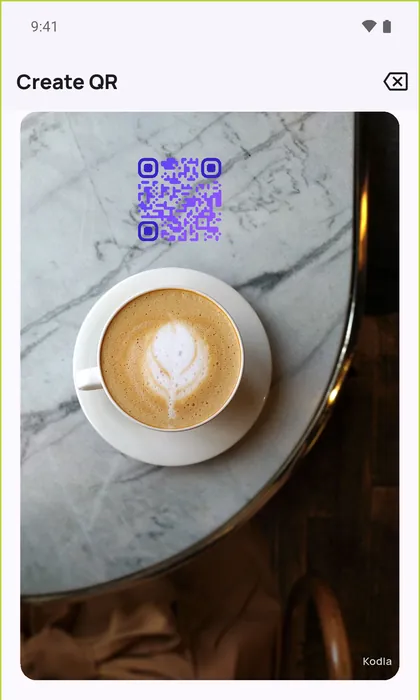
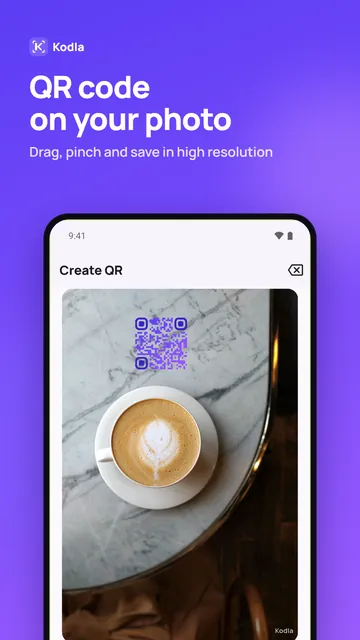
Pick a photo, drag the code into place, pinch to resize and save in high resolution. White, colored or transparent box behind the code.
Your logo and colors
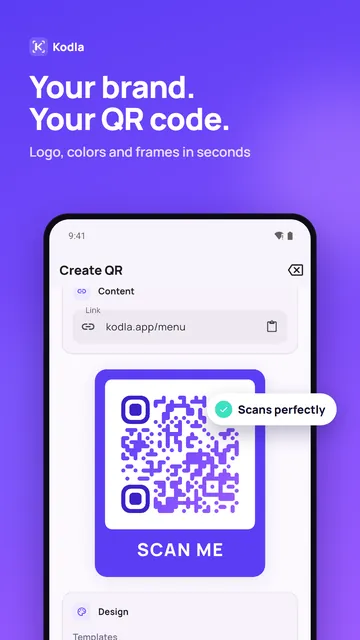
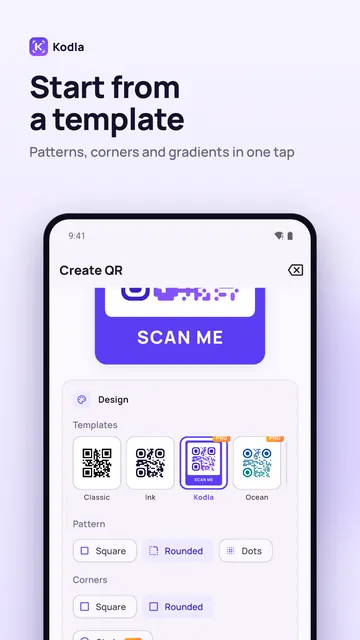
8 templates, dot and rounded patterns, corner shapes, gradients and frames like “Scan me”.
Test-scanned before saving
Kodla reads your design the way a phone camera would and offers a one-tap fix when it is hard to scan.
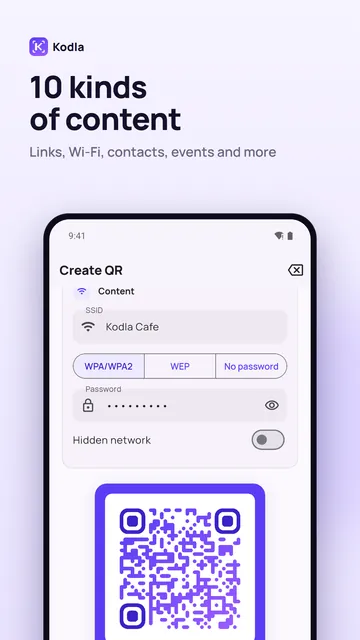
Wi-Fi, contacts, social
Guests join Wi-Fi without typing the password. QR business cards (vCard) and links for Instagram, Telegram and WhatsApp.
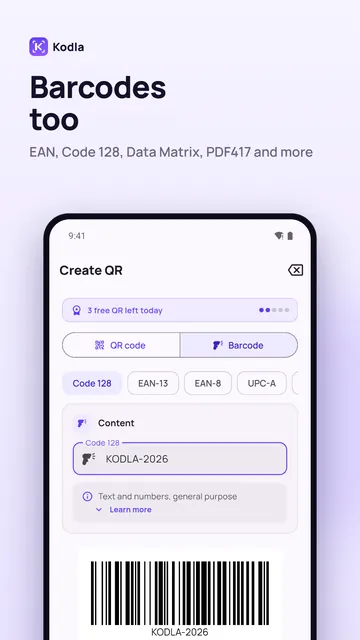
Barcode generator
EAN-13, UPC-A, Code 128, Data Matrix, PDF417 and more for products and labels.
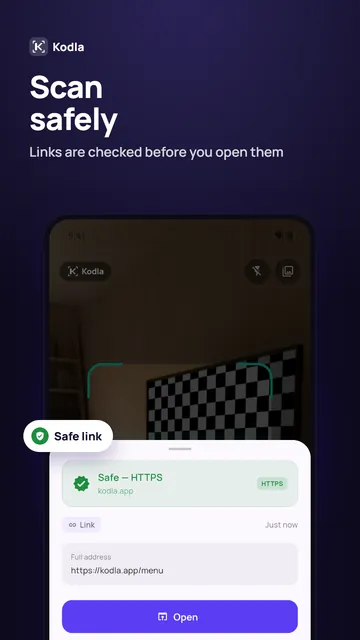
Safe scanner
Links are checked before you open them: look-alike letters, risky files, link shorteners and Google Safe Browsing.
Ready for print
PNG up to 2048 px. Pro adds SVG and A4 PDF for menus, flyers and stickers.
Private by design
No analytics trackers. Your codes, photos and history stay on your phone.
See it in action
Guides
How to put a QR code on a photo
Place a QR code on your own picture in about a minute: pick a photo, move and resize the code, remove the white box and save in high resolution.
Wi-Fi QR code: guests join without typing the password
Create a QR code that connects phones to your Wi-Fi without typing the password. Print it for a café, office or home. Free Android app.
Questions
How do I put a QR code on a photo?
Open Kodla, enter your link or text, then tap “Add photo” in the Export section. Pick a picture, drag the QR code where you want it and save. The box behind the code can be white, colored or transparent.
How do I make a QR code for Wi-Fi?
Choose Wi-Fi, type the network name and password and save the image. Guests scan it with the phone camera and join without typing the password.
Is Kodla free?
Yes. All 10 content types, barcodes, QR on photo and PNG export are free, with up to 5 saves or shares a day. Kodla Pro is an optional subscription for more styles, logos, SVG and PDF, and unlimited saves.
Does Kodla collect my data?
Kodla has no analytics trackers. Codes, photos and history stay on your device. Scanned links are checked with Google Safe Browsing.